
Mitigating Design Ambiguity: A Structured Protocol for AI-Facilitated Clash Resolution Memos
Construction Management | Project Management | BIM coordination | AI Workflow | Productivity Guide | Design Coordination | Navisworks | AI for Construction
Description
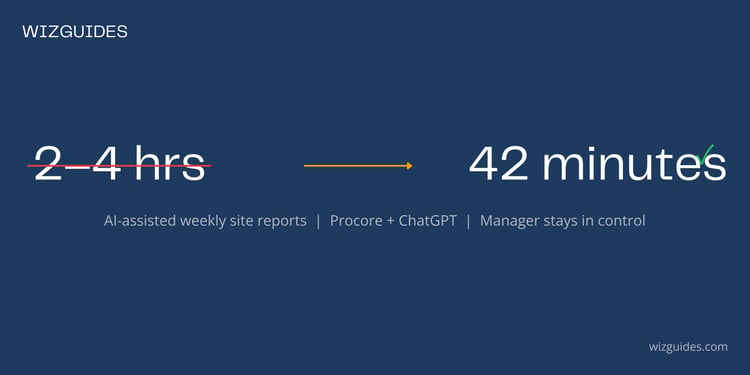
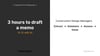
This guide presents a structured, four-step workflow enabling Construction Design Managers to use Claude 3 (Anthropic LLM) to draft formal Design Coordination Memos from Navisworks and BIM 360 clash reports. BIM coordination meetings generate dense clash reports containing hundreds of potential conflicts — writing accurate, contractually safe memos takes 2–4 hours per clash, creating a significant bottleneck. The workflow described here reduces drafting time to approximately 1 hour 15 minutes per clash while preserving full Design Manager accountability.
This guide is written for Construction Design Managers running BIM coordination on commercial, residential, or infrastructure projects who are technically proficient in Navisworks and BIM 360 but need a reliable, repeatable process for translating clash detection data into formal, professional correspondence without overstepping the constructor's contractual authority.
The Clash is Critical. The Memo Shouldn't Take All Day.
Navisworks found it. HVAC duct through a structural column at Grid E4, Level +4.200. Clash ID: MECH-STR-0042. Severity: Critical. You have 24 hours.
The clash data is in front of you. Writing the Design Coordination Memo — precise, contractually safe, with three solution options presented without preference — takes 3 hours manually. Maybe 4. And if your coordination meeting surfaced 20 clashes this week, you're looking at a week of drafting work on top of everything else.
Here's the thing: the bottleneck isn't finding the clash. It's writing the memo that communicates it correctly.
The Real Problem Behind the Backlog
Every clash memo has to do several things at once. It has to describe the spatial conflict with technical precision. Present three resolution options neutrally — without recommending any. Flag programme and cost implications. Ask for "design direction" rather than instruction (get this wrong and you're in contractual breach). Copy the right people. Escalate if no response arrives.
Doing that well, for every clash, every week, is time-consuming. And when the backlog builds, corners get cut. Tone errors slip through. Programme risks get missed. The memo that should protect your programme — and your firm — starts creating problems instead of solving them.
The solution isn't more hours in the day. It's making the drafting faster without compromising the review.
How It Works — Honestly
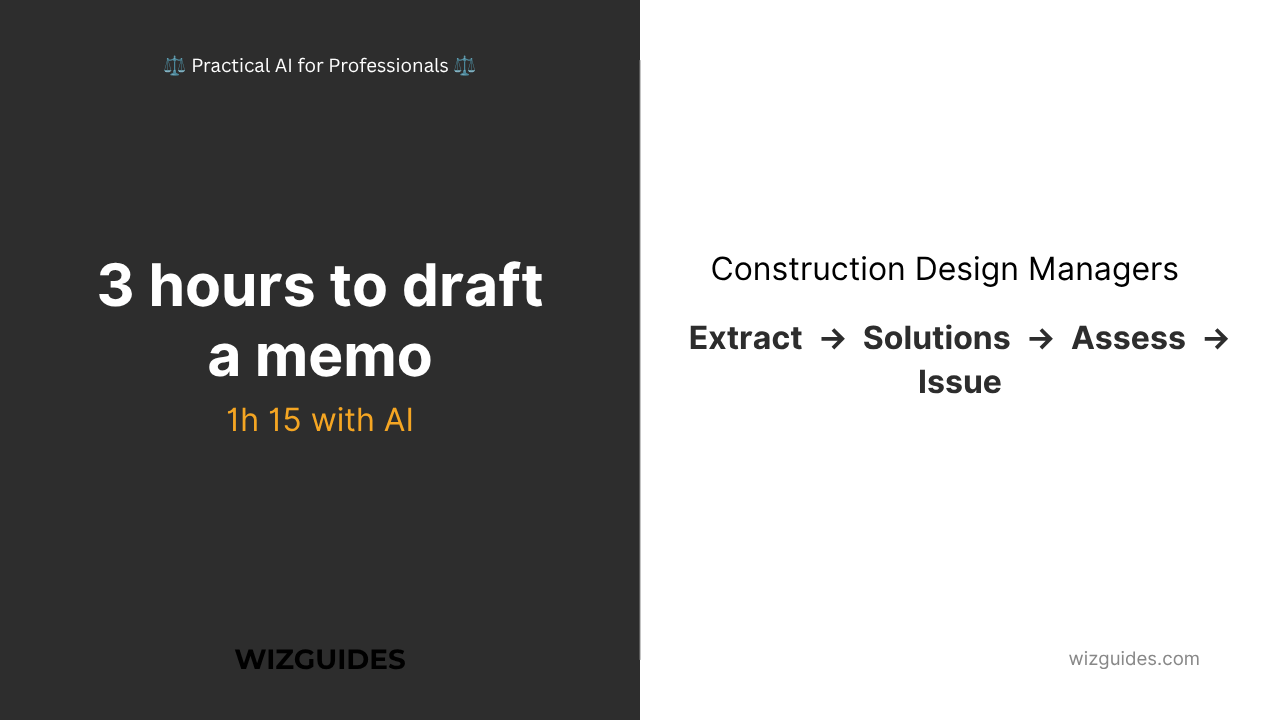
Mitigating Design Ambiguity gives you a four-step workflow that uses Claude 3 to draft Design Coordination Memos from Navisworks and BIM 360 clash reports. Here's what happens at each stage:
- Step 1 — Extract and Package the Clash Data: Export the Clash Detective XML report, save the 3D viewpoint, pull the relevant 2D sections. Package into a single PDF. Validate before upload — wrong clash ID uploaded means wrong memo generated.
- Step 2 — Generate Three Standard Solutions: Upload the data package to Claude 3 with a structured prompt. The LLM proposes: modify the MEP element, penetrate the structural element, or reroute. All three described neutrally, with design/construction/coordination implications.
- Step 3 — Preliminary Impact Assessment: Claude 3 generates schedule, cost, and risk impact for each option. All figures flagged as preliminary — verified by the QS and PM before the memo is issued.
- Step 4 — Design Manager Review and Sign-Off: The AI generates the draft. The Design Manager reviews every word. Edits for accuracy and tone. Checks all technical descriptions against the source Navisworks report. Issues under their own professional sign-off.
The Design Manager is always the author. AI generates the draft. The memo is never issued without professional review.
What You Get
Guide-Workbook
- Full four-step AI clash resolution workflow
- Clash severity triage framework (Critical / High / Medium / Low)
- Clash data extraction guide for Navisworks Clash Detective and BIM 360
- Three standard solution types — design implications, construction implications, coordination requirements
- Preliminary impact assessment framework
- Formal Design Coordination Memo structure — section by section
- Contractual boundaries: JCT 2016, NEC4, asking vs instructing
- Five common pitfalls in AI-assisted clash memo drafting
- 8-point Design Manager AI Clash Memo Checklist
- Worked example: Sheffield Apex House, Clash MECH-STR-0042 — Priya M. saves ~£380 per clash
- Five structured exercises for use on your own project
- Navisworks vs BIM 360 comparison table
Prompt Pack
- Copy-paste prompts covering every stage of the workflow
- Standard memo draft prompt, follow-up memo prompt, escalation memo prompt
- Quick Reference Card — print and keep at your desk
Tested with Navisworks and Claude 3, June 2026.
Who It's For
Construction Design Managers running BIM coordination on commercial, residential, or infrastructure projects. Technically proficient in Navisworks or BIM 360. Issuing Design Coordination Memos to architects and structural engineers. Under pressure from PMs and Contracts Managers.
You know the tools. You're after the system.
Tool Stack
- Autodesk Navisworks — desktop clash detection and Clash Detective reporting
- Autodesk BIM 360 / Autodesk Construction Cloud — cloud-based model review and issue tracking
- Claude 3 (Anthropic LLM, Anthropic) — draft memo generation and impact assessment
A Note on BIM Level of Development
Clash detection is only as accurate as the model. The guide covers the BIM Forum LOD Specification 2022 and explains how to verify that the model elements involved in the clash are at a sufficient level of development before you rely on clash data for formal memos. Incomplete models produce unreliable clash reports. That's a risk you manage, not the AI.
A Note on Contractual Boundaries
Under JCT 2016 and NEC4, the constructor does not hold design authority by default. The Architect holds authority over architectural design. The Structural Engineer holds authority over structural design. The Design Coordination Memo operates entirely within this constraint — it asks for direction, it does not instruct. The guide includes the full contractual boundary framework, the Design Coordination Memo vs Design Instruction comparison table, and the escalation protocol for non-responsive design teams.
Worked Example — Sheffield Apex House
- Project: Apex House, Sheffield — £22m commercial office development
- Design Manager: Priya M.
- Clash: MECH-STR-0042 — HVAC supply duct AHU-MECH-03 vs structural column baseplate S-COL-E4, Grid E4, Level +4.200. Critical severity.
- Three solutions proposed: Lower the duct (3-week programme, Low cost) | Penetrate the baseplate with steel collar — requires structural approval (2-week programme, Medium cost) | Reroute the duct — full MEP revision across three floors (6-week programme, High cost)
- Programme implication: 2-week delay to Floor 4 mechanical installation if no design direction received within 10 working days. EOT notification to follow.
Results:
- Time invested: 1 hour 15 minutes (data extraction + AI drafting + Design Manager review)
- Manual equivalent: 3–4 hours at Design Manager day rate
- Estimated saving: ~£380 per clash
Priya issued memos for four critical clashes from the same coordination meeting — work that would otherwise have been deferred
Download the Guide-Workbook + Prompt Pack Bundle
Mitigating Design Ambiguity: A Structured Protocol for AI-Facilitated Clash Resolution Memos
Two-part bundle: Combined Guide-Workbook (comprehensive) + Prompt Pack (copy-paste templates)
Includes:
- Full guide-workbook with methodology, worked example, and five exercises
- Complete prompt pack with prompts for every stage of the workflow
- 8-point Design Manager AI Clash Memo Checklist
- Quick Reference Card for clash resolution
- Worked example: Sheffield Apex House
---
© 2026 Theo Hartley | WIZGUIDES
⚖️ Practical AI for Professionals ⚖️