
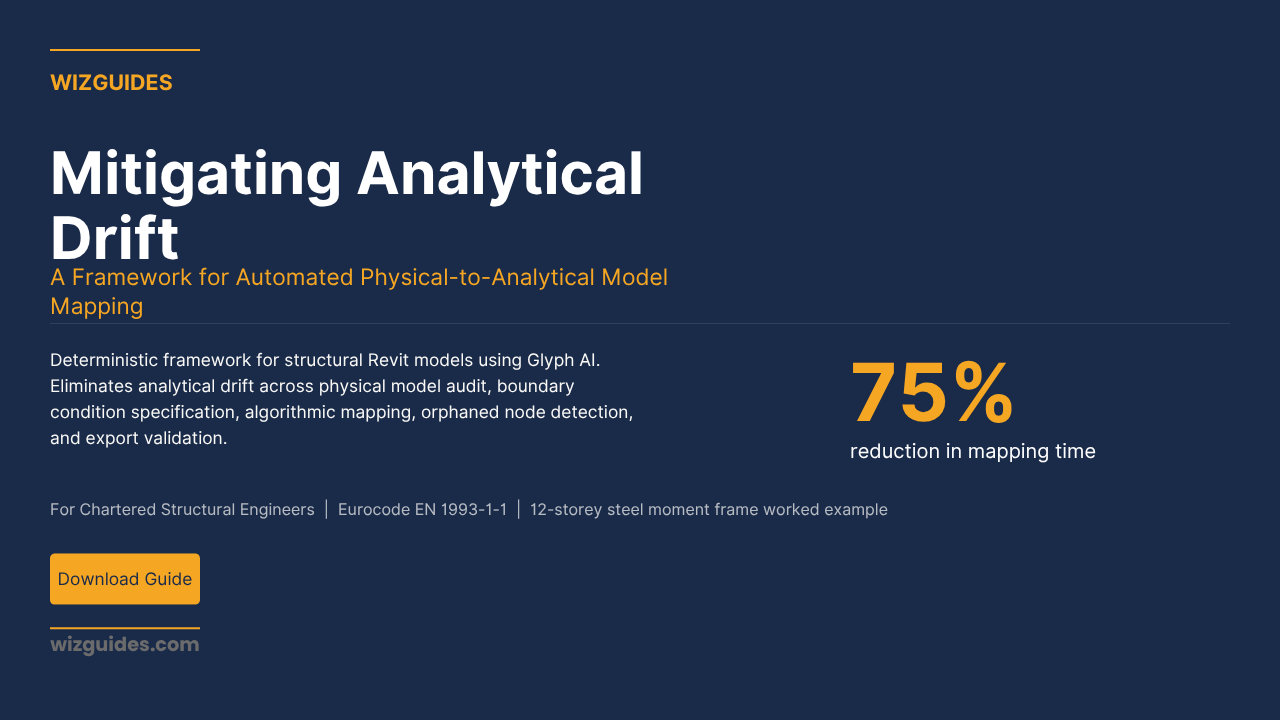
Mitigating Analytical Drift: A Framework for Automated Physical-to-Analytical Model Mapping
Structural Engineering | Eurocode | Analytical Drift | GlyphAI | Structural Engineering | Robot Structural Analysis | BIM Level2 | Structural Integrity | AI Workflows | AI For Professionals
Description
How Structural Engineers Use Glyph AI and Revit to Keep the Physical and Analytical Model Synchronized — Preventing Structurally Void Calculations Before They Happen.
This guide-workbook presents a deterministic framework for the automated physical-to-analytical model mapping of structural Revit models using Glyph AI. The core problem it solves is analytical drift: the progressive desynchronisation between the physical model held in Revit and the analytical model exported to ETABS or Robot Structural Analysis, which renders structural calculations mathematically void under Eurocode.
Written for Chartered Structural Engineers working in commercial, residential, and industrial consultancy practice, the guide provides a complete methodology spanning physical model audit, boundary condition specification, algorithmic mapping execution, orphaned node detection, and export validation. A twelve-storey steel moment frame worked example demonstrates a 75% reduction in mapping time and the elimination of analytical drift across a live project.
The Analytical Drift
When the architect moves a wall in the physical Revit model, you must manually update the analytical model in ETABS or Robot Structural Analysis. Miss an update, or update it incorrectly, and the two models drift out of sync. The structural calculation is then mathematically void under Eurocode EN 1993-1-1.
That is analytical drift. It happens on every project where the physical model changes and the analytical model has to be updated manually. And it is entirely avoidable.
The Deterministic AI Solution — No Black Box
Structural engineers do not tolerate ambiguity. You work with partial factors of safety, load combinations, and deflection limits defined to three decimal places. You are not going to trust an analytical model to a tool that produces different outputs on different runs.
Glyph AI does not use generative AI. It applies the alignment rules defined in the Boundary Condition Specification — parametric rule-mapping, not inference. The same physical model with the same alignment rules produces the same analytical model. Every output is mathematically verifiable. Every orphaned node is flagged before export. The engineer reviews the error log and signs off.
This is the correct division of labour in computationally rigorous structural practice: Glyph AI executes the mapping algorithm; the Structural Engineer reviews, resolves, and signs off.
The Methodology
- Step 1 — Physical Model Audit: Verify every structural element is correctly classified (structural columns, not architectural), correctly hosted (columns on grids, beams bearing on columns or walls), and correctly sized before the mapping run begins. Glyph AI cannot compensate for a physical model with misclassified or orphaned elements.
- Step 2 — Boundary Condition Specification: Define every alignment rule — beam alignment type (centreline, top-of-steel, bottom-of-steel), column continuity convention, wall analytical representation, slab diaphragm action, orphaned node threshold — before the mapping run. Vague rules produce unreliable mapping results. The Specification is the formal agreement between the engineer and the algorithm.
- Step 3 — Algorithmic Mapping Execution: Execute Glyph AI mapping in the correct sequence: primary structural elements first (columns, primary beams), then secondary elements (secondary beams, walls, slabs). Review the Mapping Log at each stage. Quality gate: 98% mapping success rate before proceeding.
- Step 4 — Connectivity Audit and Orphaned Node Detection: Apply the connectivity algorithm across every node in the analytical model. Flag any node below the minimum connectivity threshold. Generate the Orphaned Node Register and Unsupported Element Register. Resolve every orphaned node before proceeding.
- Step 5 — Pre-Export Validation and Sign-Off: Complete the formal pre-export validation checklist. Spot-check 10% of analytical elements against the physical model. Confirm zero orphaned nodes. Produce the Final Analytical Model Validation Report, signed by the supervising CEng MICE or CEng MIStructE. Export to ETABS or Robot Structural Analysis.
What's Inside
Guide-Workbook:
- Physical Model Audit Protocol with full element classification checklist
- Boundary Condition Specification framework (alignment rules for beams, columns, walls, slabs, foundations)
- Glyph AI Mapping Execution Protocol with quality gate
- Orphaned Node Detection and Connectivity Audit methodology
- Pre-Export Validation Checklist and Professional Sign-Off sequence
- Dr. Priya Nair worked example: 12-storey steel moment frame, 396 analytical elements, 75% time reduction, £6,600 cost saving, zero orphaned nodes on export
- Five practical exercises with deliverables
- Complete regulatory context: Eurocode EN 1993-1-1, EN 1992-1-1, AISC 360-22, SCI P354, PAS 1192-2:2013
Prompt Pack:
- Tab 1: Boundary Condition Definition — analytical alignment rules template + Glyph AI configuration prompt
- Tab 2: Algorithmic Mapping — execution protocol + mapping log analysis prompt
- Tab 3: Error Detection — orphaned node detection prompt + error resolution worksheet template
- Tab 4: Validation and Export — pre-export checklist + Final Analytical Model Validation Report prompt
Who It's For
Chartered Structural Engineers (CEng MICE, CEng MIStructE) working in commercial, residential, or industrial consultancy practice on multi-storey buildings where the physical Revit model and the analytical model in ETABS or Robot Structural Analysis must be kept synchronised.
You are not looking for a tool that makes structural decisions. You are looking for a tool that executes the alignment rules you define — systematically, verifiably, every time — and flags the errors before they reach your structural calculation.
Tools Covered
- Autodesk Revit — physical model and analytical model management
- Glyph AI — deterministic algorithmic mapping and orphaned node detection (not generative AI)
- ETABS / Robot Structural Analysis — structural calculation software
- Microsoft Excel — error log, Orphaned Node Register, Mapping Validation Report
- Claude 3 / ChatGPT — Boundary Condition Specification drafting, Mapping Log analysis, documentation
Prompts tested with Claude 3 (2026) and ChatGPT (GPT-4o, March 2026).
Regulatory Compliance
- Eurocode EN 1993-1-1 — structural analysis, nodal connectivity, partial factors of safety
- Eurocode EN 1992-1-1 — concrete structures, rigid diaphragm assumptions
- Eurocode EN 1993-1-8 — connection classification: rigid, semi-rigid, pinned
- AISC 360-22 — US market steel structural analysis requirements
- SCI P354 — floor vibration design, analytical model accuracy
- PAS 1192-2:2013 — BIM Level 2, BEP as governing document, LOD 350 minimum
- CEng professional liability — engineer retains full accountability
Download the Guide-Workbook + Prompt Pack Bundle
Mitigating Analytical Drift: A Framework for Automated Physical-to-Analytical Model Mapping
Everything you need to implement the workflow on your next project.
Two-part bundle: Combined Guide-Workbook (comprehensive) + Prompt Pack (copy-paste templates)
Includes:
- Full guide-workbook with methodology, worked example, and five exercises
- Complete prompt pack with prompts for every stage of the workflow
- The confidence score heat map: a five-point prioritisation scale from HIGH to LOW, with Surveyor action for each score
- Orphaned Node Detection and Connectivity Audit methodology
- Pre-Export Validation Checklist and Professional Sign-Off sequence
- Compatible with Eurocode EN 1993-1-1, EN 1992-1-1, AISC 360-22, PAS 1192-2:2013, June 2026
---
© 2026 Theo Hartley | WIZGUIDES
⚖️ Practical AI for Professionals ⚖️